Product proof
Sample project — Urban bath refresh
This page is the source-visible walkthrough reviewers and contractors should exercise in the workspace. Each step maps to shipped UI in BuildPlanGO — not marketing-only copy.
Start first project See pricing
BuildPlanGO outputs are planning and estimating aids, not stamped construction documents. Verify measurements, code requirements, and permit submissions with qualified professionals where required.
Seven-step field walkthrough
Live-site AR depth (Android), photogrammetry, or photo takeoff merges geometry on the Existing layer. In app: Permits → Live-site scan · 3D photogrammetry.
Scan bounds and tape dims feed Red-Line audit and trade pack PDFs. In app: Project setup · Floor plan editor.
Bath context drives code checks and jurisdiction checklists. In app: Project brief · Jurisdiction database.
Assemblies and openings become a starter takeoff — not a stamped plan set. In app: Elements library · Materials.
Allowances, labor, and materials roll into client-ready numbers you verify onsite. In app: Materials · Cost tracking.
Red-Line Auditor gates exports; trade pack + code compliance PDF + IFC download. In app: Permits → Plan set tab.
Branded PDF for client sign-off — planning aid, not guaranteed permit approval. In app: Client presentation · Export center.
Product proof — room scan to proposal
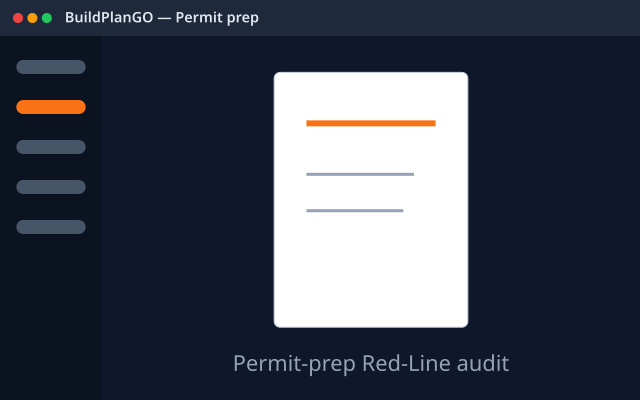
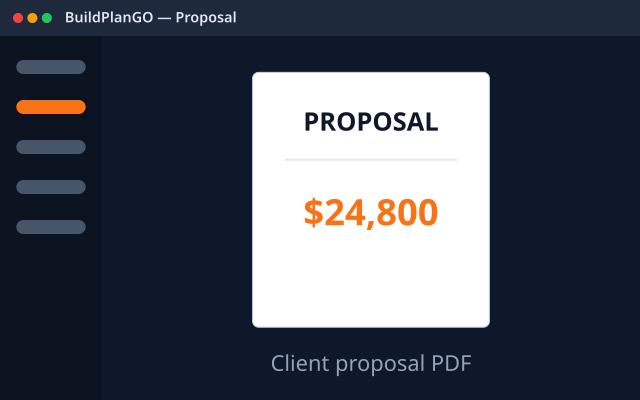
Schematic previews
Urban bath refresh scope (example)
- 5×8 existing bath · demo non-structural walls
- New vanity, toilet, tub/shower combo · GFCI + exhaust
- Permit-prep checklist for city review · licensed pro sign-off where required